Biwin M350 2TB SSD Q&A: Is It the Best Budget PCIe 4.0 Drive?
When you're on a tight budget but need PCIe 4.0 speed, the Biwin M350 2TB SSD offers a tempting compromise. This drive excels in key performance areas and power efficiency, yet it also inherits the trade-offs of QLC NAND flash. Below, we answer the most common questions about this budget-friendly storage option.
What is the Biwin M350 2TB SSD and Who Is It For?
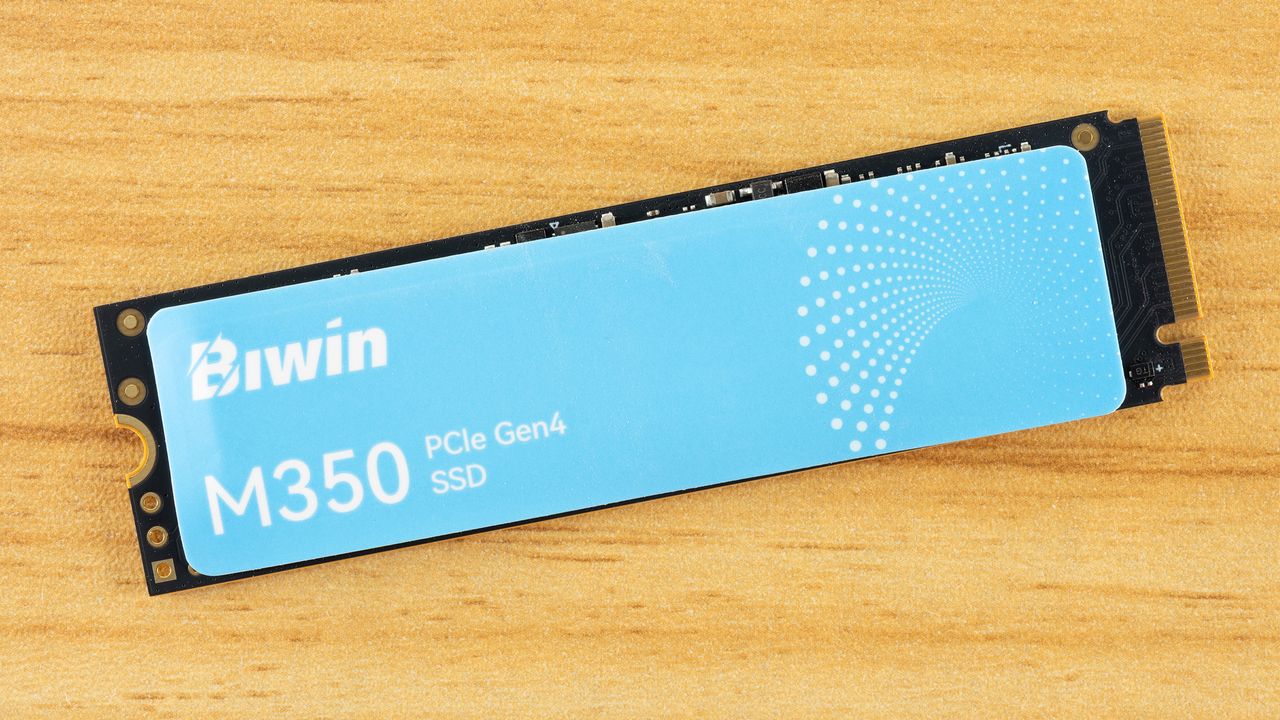
The Biwin M350 is a PCIe 4.0 NVMe SSD designed for cost-conscious users who need a large capacity drive without breaking the bank. It uses Quad-Level Cell (QLC) flash memory, which allows for lower manufacturing costs and higher densities—hence the affordable 2TB variant. This drive targets everyday consumers, such as those building entry-level gaming PCs, upgrading a laptop for faster boot times, or adding mass storage for documents and media. It's not aimed at professional editors or heavy content creators who require relentless sustained write speeds. Instead, it suits users whose workloads involve bursts of activity—like launching applications, loading games, or copying casual files—where the Biwin M350 delivers responsive performance at a price that's hard to beat.
How Does the Biwin M350 Perform in Everyday Tasks?
For typical daily use, the Biwin M350 performs admirably. Its PCIe 4.0 interface provides high sequential read and write speeds, making system boot times, application launches, and file transfers feel snappy. The drive leverages a DRAM-less design with Host Memory Buffer (HMB) technology, which uses a portion of your system's RAM for caching. This keeps random read and write operations—the kind that matter most for multitasking and opening multiple programs—at satisfactory levels. In real-world usage, you won't notice a significant slowdown compared to more expensive SSDs when doing things like browsing the web, editing documents, or playing most games. However, because of its QLC flash, sustained large-file writes (like copying a 50GB video) can trigger a drop in speed after the built-in SLC cache fills up. For brief, bursty tasks, though, it feels fast and fluid.
What Are the Power Efficiency Benefits of This SSD?
One standout feature of the Biwin M350 is its excellent power efficiency. QLC NAND consumes less power during idle and light loads than TLC or MLC alternatives, making this SSD an ideal choice for laptops and portable systems where battery life counts. The drive supports low-power states (like L1.2) and uses an efficient controller that minimizes energy draw. In benchmarks, the Biwin M350 often records lower active power consumption than similarly priced competitors. For a laptop user who frequently moves between tasks, this can translate into extra minutes of unplugged operation. Additionally, lower power usage means less heat generation, which helps the drive maintain stable performance without aggressive thermal throttling, even in compact chassis with limited airflow.
What Are the Limitations of QLC Flash in the Biwin M350?
While QLC flash enables a lower price and higher capacity, it comes with inherent drawbacks. The most noticeable is poor sustained write performance. Once the drive's SLC write cache is exhausted (typically after transferring around 30–60GB of continuous data), write speeds can plummet to a fraction of their peak—sometimes below 100 MB/s. This makes the Biwin M350 unsuitable for heavy, continuous write workloads, such as 4K video recording, large database operations, or repeated file duplication of huge datasets. Additionally, QLC flash has lower endurance (measured in TBW) compared to TLC drives. The 2TB model may have a TBW rating around 400–600 TBW, which is still ample for normal consumer use (several years), but power users who rewrite terabytes daily may wear it out faster. Also, random write performance can degrade under sustained load.
How Does the Biwin M350 Compare to Other Budget SSDs?
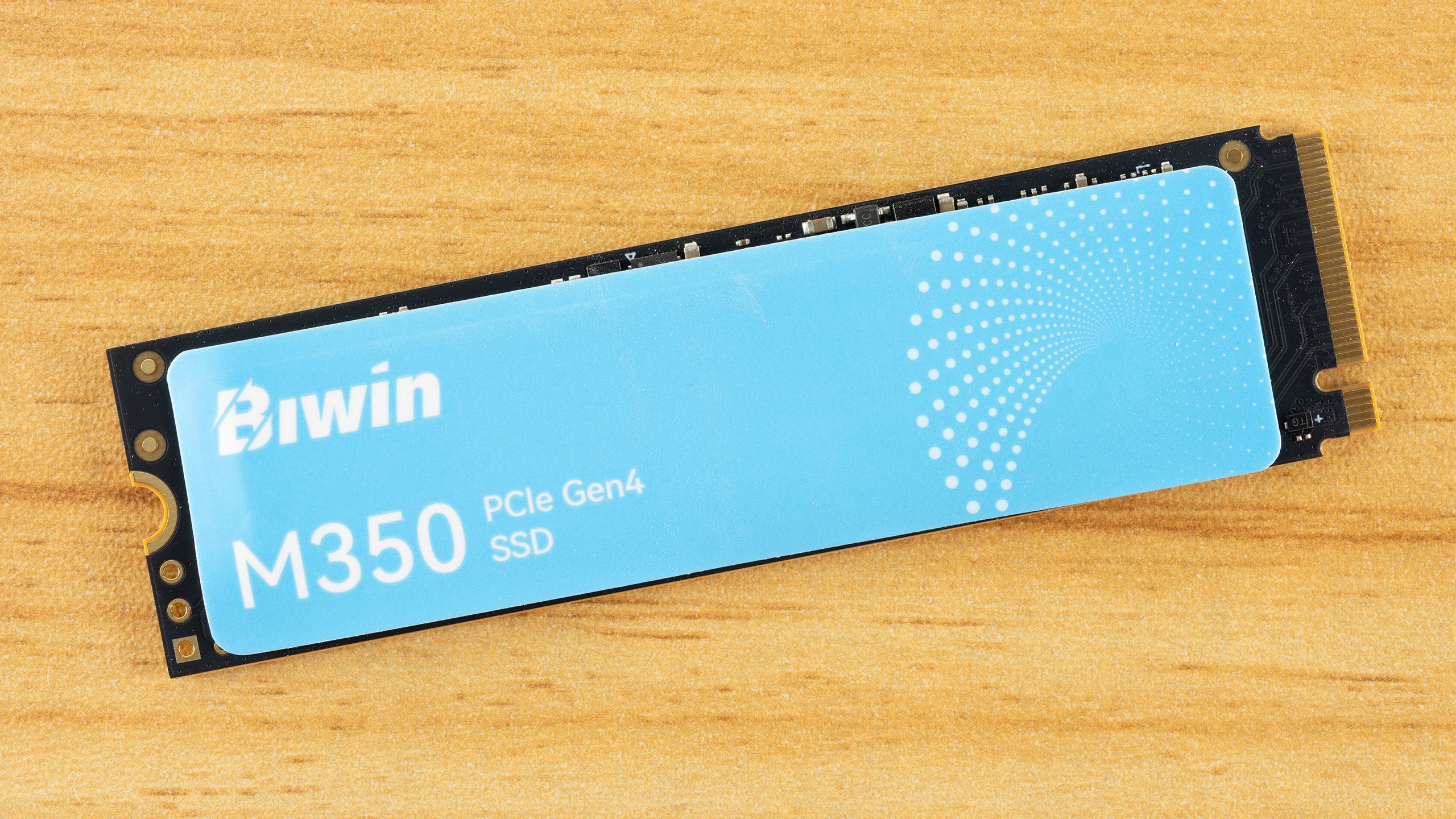
Against other budget PCIe 4.0 SSDs, such as those using TLC flash or older PCIe 3.0 drives, the Biwin M350 holds its ground in burst performance but falls short in sustained transfer tests. Competitors like the Crucial P3 Plus or WD Blue SN580 offer similar everyday responsiveness, but the Biwin often beats them on price-per-gigabyte. However, those rivals may provide better sustained write speeds and slightly higher endurance ratings. The Biwin's power efficiency is a clear advantage, making it a strong candidate for battery-powered devices. For users who prioritize low cost and don't regularly move huge files, the M350 is a legitimate alternative. But if you expect to fill the drive continuously (e.g., as a scratch disk for video editing), you might prefer a TLC-based option like the Samsung 980 Pro or a DRAM-equipped model.
Is the Biwin M350 a Good Choice for Gaming or Content Creation?
For gaming, the Biwin M350 is a solid pick. Most game loads are bursty—launching a game, reading textures as you play—so the drive's high random read performance ensures short load times and smooth texture streaming. The 2TB capacity gives you plenty of room for a large library. However, for content creation like video editing or 3D rendering, the Biwin's weak sustained writes become problematic. Exporting a long video project or continuously writing raw footage can cause slowdowns. It's fine for occasional, small-scale projects, but professionals should invest in a TLC drive with better sustained speeds. In essence, the M350 is great for gaming and light creative use, but not for heavy, multi-hour rendering sessions or constant large file transfers.
What Is the Value Proposition of the 2TB Capacity at This Price Point?
The 2TB Biwin M350 offers an exceptional value proposition: a high-capacity PCIe 4.0 drive for a price that often undercuts 1TB TLC competitors. You get twice the storage for roughly the same cost per gigabyte as older SATA SSDs. This capacity is ideal for users who need to store large game libraries, media collections, or work files without upgrading to a more expensive NVMe option. The trade-offs (sustained speed, endurance) are acceptable for most mainstream usage. If your workload is bursty and you want to maximize storage under $100, the 2TB M350 is a compelling choice. Just be aware that you're paying for capacity at the expense of peak sustained performance—a fair trade for budget-conscious builders.
Related Articles
- Unify Your Cloud Infrastructure Visibility with HCP Terraform and Infragraph: A Step-by-Step Guide
- Meet the AI Hub App: Seamlessly Switch Between Over 70 Chatbots
- The Dreame FP10: A Self-Cleaning Air Purifier That Pet Owners Will Love
- How to Successfully Migrate a Hyperscale Data Ingestion System: A Step-by-Step Guide
- JetStream 3.0: Redefining Browser Performance Benchmarks for the Modern Web
- Frontier AI Reshapes Defense Landscape: Security Leaders Face Urgent Decisions
- Volla Unveils Plinius: A Rugged Phone with Dual OS Choice, No Google Required
- SpacemiT K3 RVA23 RISC-V Processor: Early Benchmarks and First Impressions on the K3 Pico-ITX