Yazi: The Terminal-Based File Manager That Revolutionizes Linux Workflows
Introduction
Linux users often fall into two camps: those who prefer the graphical user interface (GUI) and those who thrive in the command-line environment. However, there is a third category—users like me who enjoy the GUI but occasionally venture into the terminal out of curiosity. One such adventure led me to discover a terminal-based file manager called Yazi, and it completely changed my perspective on file navigation.
What Is Yazi?
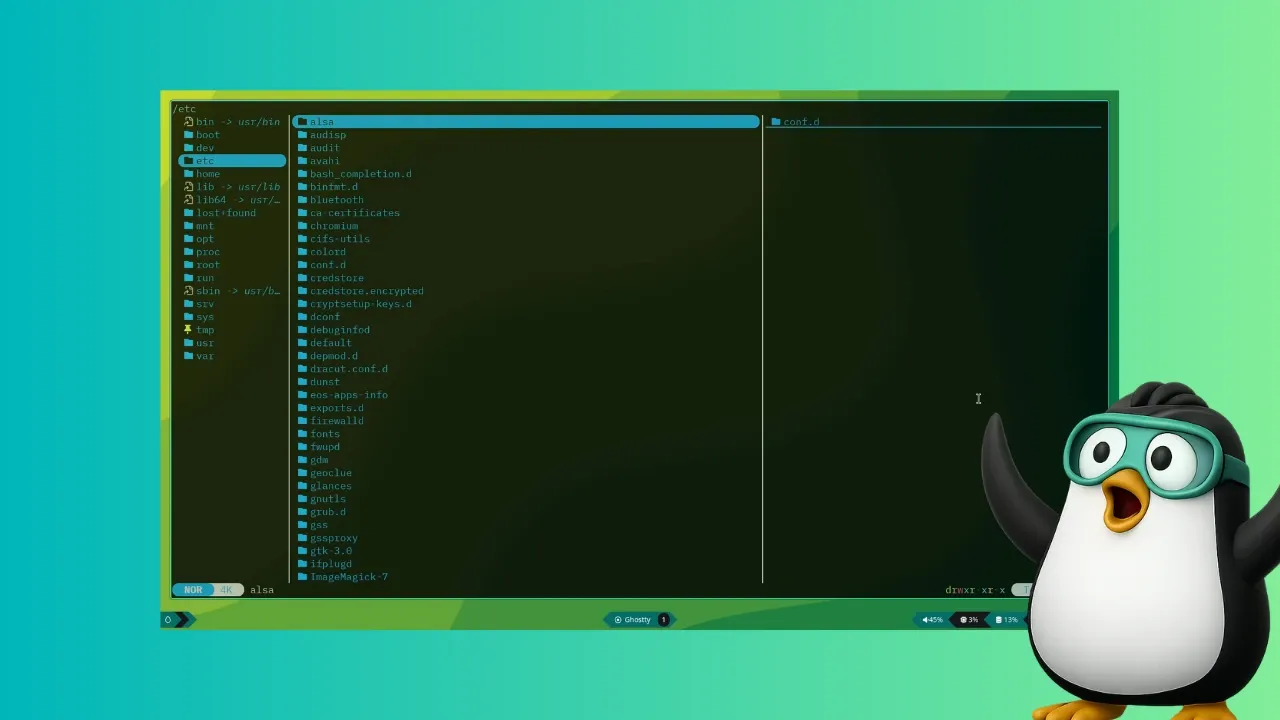
Yazi is a feature-rich, terminal-based file manager written in Rust. Unlike the traditional approach of using ls and cd commands, Yazi offers an intuitive browsing and interaction experience directly within the terminal. Its asynchronous architecture ensures that CPU tasks are distributed across multiple threads, making it highly responsive even with large directories.
Key Features
- Full asynchronous support – Spreads CPU tasks across multiple threads for smooth performance.
- Built-in image protocols – Supports multiple image formats for previewing in the terminal.
- Code highlighting and image encoding – Displays syntax-highlighted code and encoded images.
- Scrollable previews – Allows you to preview files without opening external applications.
- Powerful file search and manipulation – Advanced search and batch operations for efficient file management.
Installing Yazi on Linux
Yazi is available in the official repositories of several Linux distributions, including Arch Linux, Void Linux, and OpenSUSE Tumbleweed. On Arch Linux, you can install it along with its dependencies using the package manager. For other distributions, you may need to compile from source or use third-party repositories.
Dependencies and Tools
To make full use of Yazi, ensure you have the following installed:
- Image preview tools – Such as
fehorueberzug. - Syntax highlighting libraries – For code previews.
- File utilities – Like
tar,unzip, andripgrepfor enhanced search.
User Experience with Yazi
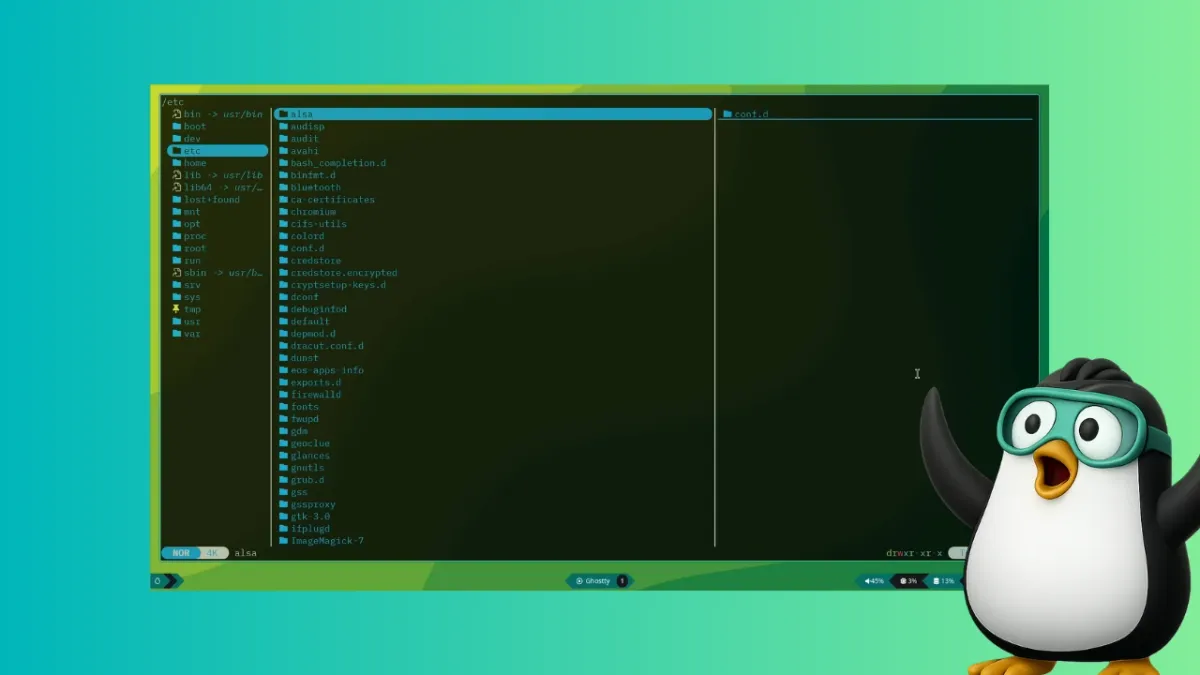
From the first launch, Yazi feels intuitive. The interface is divided into panes: a file tree on the left, a preview pane on the right, and a command bar at the bottom. Navigating directories is as simple as using arrow keys, and pressing Enter opens files with the default terminal application. The scrollable preview feature is particularly useful for quickly glancing at documents or images without leaving the terminal.
Performance and Asynchronous Magic
Thanks to Rust's efficiency and Yazi's asynchronous design, even directories with thousands of files load instantly. Copying, moving, and renaming files are executed in the background, so you can continue working without waiting.
Why Consider Yazi?
If you frequently work in the terminal, Yazi can eliminate the need for graphical file managers like Nautilus or Nemo. Its combination of speed, features, and keyboard-driven workflow makes it a compelling alternative. As I discovered, once you start using Yazi, you may wonder why you didn't adopt it sooner.
Conclusion
Yazi is more than just a file manager—it's a tool that bridges the gap between GUI comfort and terminal efficiency. Whether you're a seasoned command-line user or a curious explorer, give Yazi a try. You might find it to be the missing piece in your Linux toolkit.
Related Articles
- How to Reorganize Your Engineering Team for AI Agents: A Step-by-Step Guide
- Braintrust Breach: What AI Developers Need to Know About API Key Security
- How to Transition Your AI from Pilot to Production: A Step-by-Step Infrastructure Guide
- Why Developer Communities Remain Essential in the Age of AI
- How to Harness xAI’s Grok 4.3: A Step-by-Step Guide to Accessing the New API and Voice Cloning Tools
- AI-Driven Care: The Hidden Risks of Removing Human Touch from Healthcare
- Nebius Boosts AI Infrastructure with $643M Acquisition of Eigen AI
- How to Execute a Venture Capital Pivot That Triples Valuation in Two Weeks